← All guides

In-depth guide

Why Wi-Fi Gets Worse at Night (And What You Can Do)

If your Wi-Fi is fine during the day but awful at night, it’s not your imagination. Here’s what’s actually happening — and how to fix it.

By WCF Updated 2026-01-07 3 min read

Many people notice the same pattern: Wi-Fi works reasonably well during the day, then slows down, drops connections, or becomes unstable at night.

This leads to frustration and usually ends with blaming the internet provider. While the ISP can sometimes be part of the problem, most nighttime Wi-Fi issues are caused by local congestion and interference — not your service plan.

This guide explains why Wi-Fi performance changes at night and what you can realistically do to improve it.

The Nighttime Wi-Fi Pattern

The typical symptoms include:

  • Slower speeds after dinner
  • Increased buffering
  • Lag during gaming or calls
  • Random disconnects
  • Wi-Fi working better early in the morning

If this sounds familiar, you’re dealing with shared airspace problems.

Why Wi-Fi Gets Worse at Night

Wi-Fi doesn’t exist in isolation. It shares radio space with every nearby network.

At night:

  • More people are home
  • More routers are active
  • More streaming devices are online
  • More smart devices wake up

Your Wi-Fi isn’t getting weaker — the air is getting louder.

Channel Congestion Is the Primary Cause

The biggest nighttime problem is channel congestion.

This is especially bad on:

  • 2.4 GHz (very limited channels)
  • Lower 5 GHz channels
  • Apartment and townhouse environments

When too many networks use the same channel:

  • Packets collide
  • Devices retry transmissions
  • Latency spikes
  • Throughput collapses

Signal bars don’t show this.

Why Restarting the Router “Helps”

Many people notice that rebooting the router temporarily improves things.

This happens because:

  • The router rescans channels
  • It may pick a cleaner channel
  • Cached issues are cleared

Unfortunately, this improvement usually fades as neighbors reconnect.

A restart isn’t a fix — it’s a temporary reset.

How to Confirm Nighttime Congestion

You can confirm congestion without advanced tools.

Simple tests:

  • Run speed tests in the morning vs evening
  • Test performance right next to the router
  • Compare wired vs Wi-Fi speeds at night

If wired stays fast and Wi-Fi slows down, congestion is the culprit.

Fix 1: Move Important Devices Off 2.4 GHz

2.4 GHz is the most crowded band.

Move:

  • TVs
  • PCs
  • Consoles
  • Work devices

To:

  • 5 GHz or 6 GHz whenever possible

Leave 2.4 GHz for low-bandwidth smart devices.

Fix 2: Manually Choose Cleaner Channels

Automatic channel selection often fails in dense environments.

Manual selection allows you to:

  • Avoid the most crowded channels
  • Use DFS channels (if supported)
  • Reduce overlap with neighbors

This alone can dramatically improve nighttime stability.

Top Wifi Analyzer Picks


Fix 3: Adjust Channel Width

Wider channels use more airspace and are more prone to interference.

At night:

  • Narrower channel widths are often more stable
  • Slightly lower peak speed but better consistency

This is especially useful in apartments.

Fix 4: Reduce Wireless Load Inside Your Own Home

Your network contributes to its own congestion.

Reduce load by:

  • Wiring TVs and PCs with Ethernet
  • Using wired backhaul for mesh nodes
  • Disabling unused devices and features

The less your router has to juggle wirelessly, the better it behaves.

When New Hardware Helps

Sometimes the router simply isn’t equipped to handle congestion well.

Hardware upgrades help if:

  • The router lacks DFS support
  • Channel controls are limited
  • Radios are underpowered
  • Firmware is outdated or locked down

Routers with better radios handle crowded air much more gracefully.

Top Router Picks

What Won’t Fix Nighttime Wi-Fi

Avoid these common dead ends:

  • Buying extenders
  • Boosting transmit power
  • Restarting nightly
  • Changing antennas repeatedly

These don’t reduce congestion — they add to it.

What Actually Helps (In Order)

To improve nighttime Wi-Fi:

  1. Move critical devices to 5 or 6 GHz
  2. Manually select cleaner channels
  3. Narrow channel widths if crowded
  4. Reduce wireless load with Ethernet
  5. Upgrade router only if limitations exist

Final Thoughts

Nighttime Wi-Fi problems are a symptom of success — too many devices sharing too little air.

Once you understand that the issue is congestion, not signal strength, the solutions become obvious and effective. With proper channel selection and band management, nighttime Wi-Fi can be nearly as stable as daytime performance.

Don’t fight the crowd — work around it.


Related Products

More Random Picks

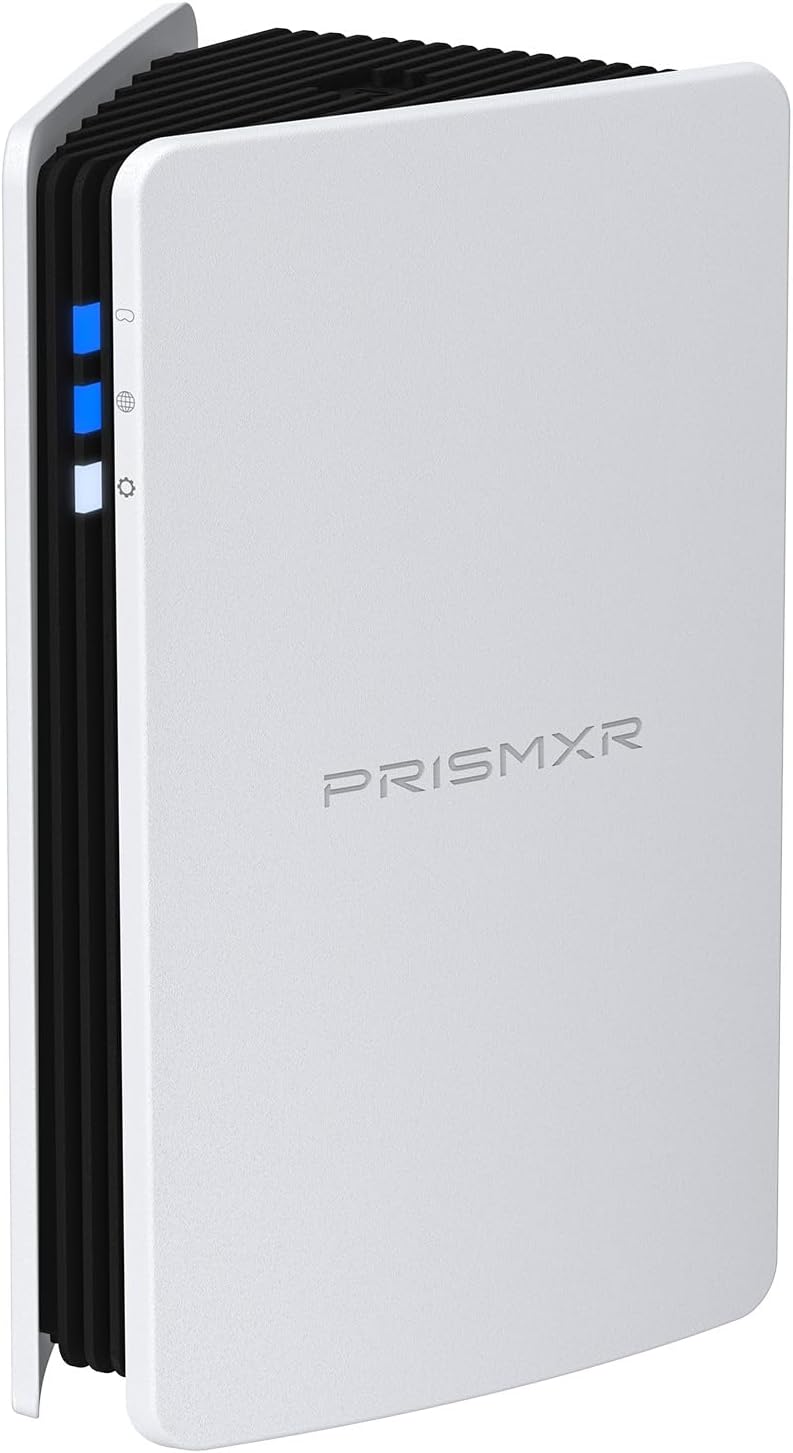
RISMXR PC-VR Streaming Air Link AX3000 WiFi6 Router Compatible with Meta Quest
Router
Delamu Cord Cover Wall, 128in One-Cord Channel Hider, Mini Size Wire Covers for Cords, Paintable Wire Hider for Wall
Cable Management
TP-Link Omada WiFi 6 AX1800 Dual Band Outdoor Access Point (EAP603-Outdoor)– WiFi Extender Universal Compatible, Up to 3,200 sq.ft, PoE Powered, IP65
Access Point
Cat6 Ethernet Cable 75 FT White, BUSOHE Cat-6 Flat RJ45 Computer Internet LAN Network Ethernet Patch Cable
Cable
WiFi Router Storage Box Wall Shelf, Living Room Wall-Mounted WiFi Storage Box
Wall Mount
TP-Link Deco AX3000 WiFi 6 Mesh System (Deco X50) – Whole‑Home Coverage up to 4,500 sq ft
Mesh System
TP-Link Tri-Band BE9700 WiFi 7 Router (Archer BE550 Pro)
Router
Smartech Cables Cat6 Plenum Cable 1000ft Blue - Bulk CAT 6 Ethernet Cable
Cable
HumanCentric Cable Box and Modem Mount, Adjustable Wall Mount for Small and Wide Devices, Cable Boxes, Modems, DVD Players, Streaming Media Devices
Wall Mount
TP-Link Omada Business WiFi 6 AX1800 in-Wall Wireless Gigabit Access Point (EAP615-Wall) - MU-MIMO & Beamforming, Support OFDMA, PoE Powered
Access Point
78" Wall Cord Hider, Self Adhesive Silicone Cable Covers for Cords On Wall, Cord Hider for Wall Mount TV, Flexible Cable Cover Raceway Kit for 1 Wire
Cable Management
TP-Link Tri-Band BE19000 WiFi 7 Router (Archer BE800) - 12-Stream 19 Gbps
Router
TP-Link Deco Whole Home Mesh WiFi System (Deco M4) – Up to 5,500 Sq. Ft
Mesh System
ASUS ROG Rapture WiFi 6E Gaming Router (GT-AXE16000) - Quad-Band, 6 GHz Ready
Router
ASUS ROG Rapture WiFi 6E Gaming Router (GT-AXE16000) - Quad-Band, 6 GHz Ready
Gaming Router
HumanCentric Universal Wall and VESA Mount, Adjustable Strap for Small Computers, UPS Units, Cable Boxes, Modems and Other Electronic Devices
Wall Mount
TP-Link AX1800 WiFi Extender Internet Booster (RE600X) - WiFi 6 Range Extender Covers up to 1500 sq.ft and 30 Devices, Dual Band, AP Mode
Extender
ASUS ROG Rapture GT-BE98 PRO First Quad-Band WiFi 7 Gaming Router supports 320MHz
Router
ASUS ROG Rapture GT-BE98 PRO First Quad-Band WiFi 7 Gaming Router supports 320MHz
Gaming Router
SeeSii Upgraded NanoVNA-H4 Vector Network Analyzer, Latest V4.4 9KHz-1.5GHz HF VHF UHF 4" Touch Screen VNA Antenna Analyzer
Wifi Analyzer

Keep safety, context, and professional guidance in the decision where appropriate.
