← All guides

In-depth guide

Why Your Wi-Fi Is Strong but Still Slow

Full Wi-Fi bars don’t guarantee speed. Here’s why your signal looks strong but performance is terrible — and how to fix it properly.

By WCF Updated 2026-01-07 3 min read

One of the most confusing Wi-Fi problems is seeing a “strong” signal while everything still feels slow. Pages load late, videos buffer, and speed tests don’t match what you’re paying for.

This leads many people to replace routers unnecessarily. In reality, strong signal and good performance are not the same thing.

This guide explains the most common reasons Wi-Fi can look fine but still perform badly, and how to fix each one without guesswork.

Signal Strength vs Real Performance

Wi-Fi bars only tell you one thing: how loud the router is to your device.

They do not tell you:

  • How congested the network is
  • How clean the radio channel is
  • How fast data can move back and forth
  • Whether your device can talk back effectively

You can have full bars and terrible throughput at the same time.

Cause 1: Channel Congestion

In dense neighborhoods, dozens of routers compete for the same channels.

Common signs:

  • Wi-Fi slows down at night
  • Speeds vary wildly
  • Performance drops even close to the router

2.4 GHz is especially bad for this because it has very few usable channels.

What actually helps

  • Switching devices to 5 GHz or 6 GHz
  • Manually selecting a cleaner channel
  • Using routers with better channel management

Channel congestion is invisible in the signal bars but brutal to performance.

Cause 2: Your Devices Are the Bottleneck

Many devices can receive Wi-Fi better than they can transmit it.

This means:

  • Your phone “hears” the router well
  • The router struggles to hear the phone
  • Retries and errors increase
  • Speed collapses

Older laptops, TVs, and smart devices are common offenders.

What helps here

  • Moving important devices closer
  • Using Ethernet for fixed devices
  • Upgrading critical hardware only where it matters

Strong signal doesn’t fix weak transmitters.

Cause 3: Router Overload

Routers don’t just broadcast Wi-Fi — they manage traffic.

Signs of router overload:

  • Speeds drop when multiple devices are active
  • Video calls glitch during downloads
  • Smart home devices disconnect randomly

Budget routers often struggle once you add:

  • Streaming TVs
  • Cameras
  • Work-from-home traffic
  • Gaming

Practical fixes

  • Disable features you don’t use
  • Reboot occasionally (temporary relief)
  • Upgrade to a router or mesh system with better processing power

More Router Picks


Cause 4: Bad Backhaul

If you’re using extenders or wireless mesh, the connection between devices matters.

Problems include:

  • Repeaters cutting bandwidth in half
  • Wireless mesh nodes competing with clients
  • Poor node placement

You can have strong signal from a node that itself has a weak upstream connection.

What helps most

  • Wired Ethernet backhaul
  • Moving nodes closer together
  • Avoiding cheap repeaters

Backhaul quality is often the hidden limiter.

Top Cable Picks


Cause 5: ISP Equipment Limitations

Some ISP-provided routers and gateways simply can’t keep up.

Common issues:

  • Weak radios
  • Locked-down settings
  • Poor channel handling
  • Overheating

These devices often show strong signal but collapse under real load.

When replacement makes sense

  • You’ve fixed placement and channels
  • Wired devices are fast, Wi-Fi is not
  • The router runs hot or reboots

In those cases, replacing the router can be justified.

Quick Diagnostic Checklist

If Wi-Fi is strong but slow, run this list in order:

  1. Test speed next to the router
  2. Switch to 5 GHz or 6 GHz
  3. Check for congestion at peak hours
  4. Test with other devices disconnected
  5. Eliminate extenders temporarily
  6. Try Ethernet on one device for comparison

This tells you where the real bottleneck lives.

What Actually Helps (In Order)

To fix slow Wi-Fi with strong signal:

  1. Reduce channel congestion
  2. Prioritize important devices
  3. Improve backhaul quality
  4. Reduce router load
  5. Upgrade hardware only if needed

Final Thoughts

Wi-Fi bars are a comfort signal, not a performance guarantee.

Once you understand that speed depends on clean airwaves, capable hardware, and good backhaul, the mystery disappears — and so does the urge to buy random gear.

Fix the bottleneck you actually have, not the one the bars suggest.


Related Products

More Random Picks

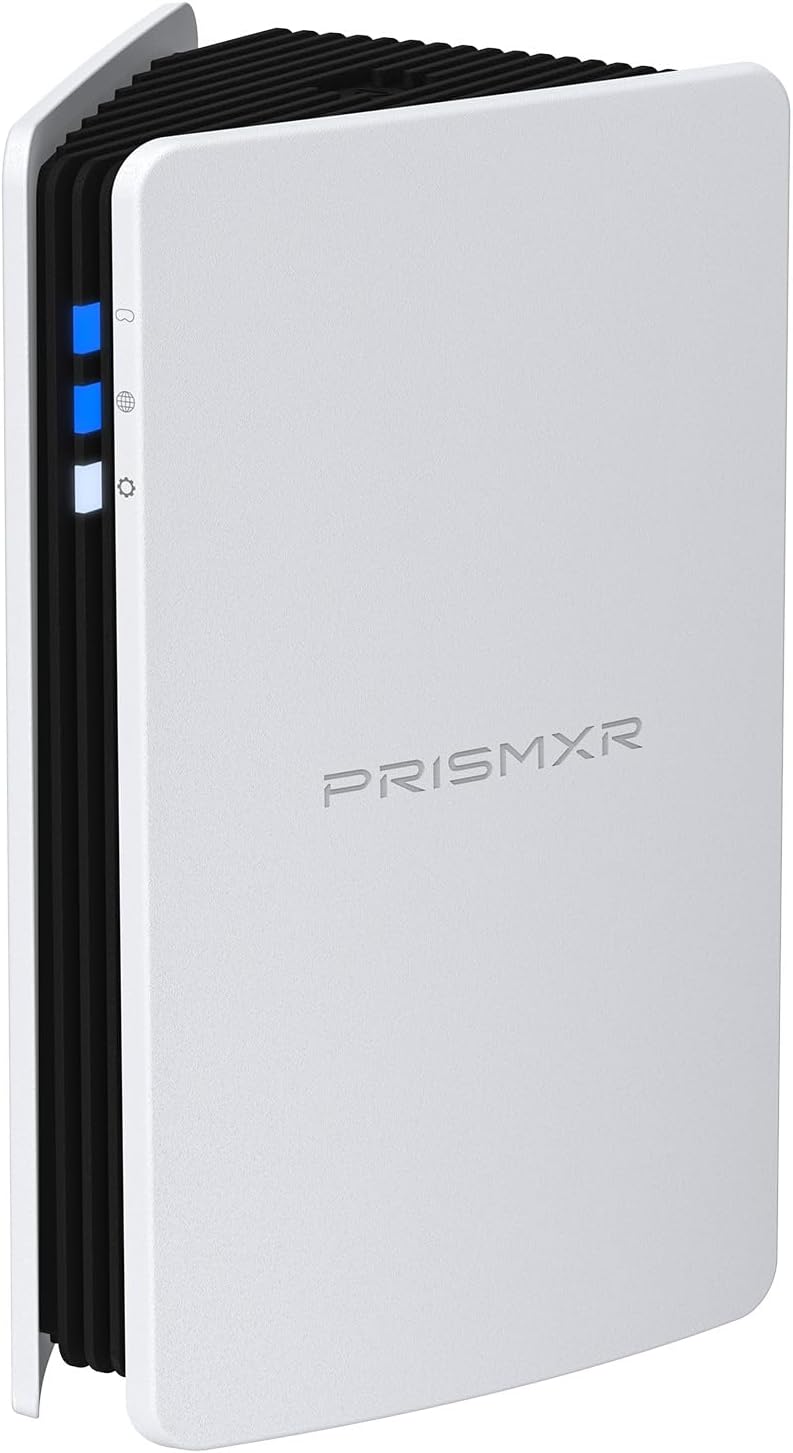
RISMXR PC-VR Streaming Air Link AX3000 WiFi6 Router Compatible with Meta Quest
Router
Delamu Cord Cover Wall, 128in One-Cord Channel Hider, Mini Size Wire Covers for Cords, Paintable Wire Hider for Wall
Cable Management
TP-Link Omada WiFi 6 AX1800 Dual Band Outdoor Access Point (EAP603-Outdoor)– WiFi Extender Universal Compatible, Up to 3,200 sq.ft, PoE Powered, IP65
Access Point
Cat6 Ethernet Cable 75 FT White, BUSOHE Cat-6 Flat RJ45 Computer Internet LAN Network Ethernet Patch Cable
Cable
WiFi Router Storage Box Wall Shelf, Living Room Wall-Mounted WiFi Storage Box
Wall Mount
TP-Link Deco AX3000 WiFi 6 Mesh System (Deco X50) – Whole‑Home Coverage up to 4,500 sq ft
Mesh System
TP-Link Tri-Band BE9700 WiFi 7 Router (Archer BE550 Pro)
Router
Smartech Cables Cat6 Plenum Cable 1000ft Blue - Bulk CAT 6 Ethernet Cable
Cable
HumanCentric Cable Box and Modem Mount, Adjustable Wall Mount for Small and Wide Devices, Cable Boxes, Modems, DVD Players, Streaming Media Devices
Wall Mount
TP-Link Omada Business WiFi 6 AX1800 in-Wall Wireless Gigabit Access Point (EAP615-Wall) - MU-MIMO & Beamforming, Support OFDMA, PoE Powered
Access Point
78" Wall Cord Hider, Self Adhesive Silicone Cable Covers for Cords On Wall, Cord Hider for Wall Mount TV, Flexible Cable Cover Raceway Kit for 1 Wire
Cable Management
TP-Link Tri-Band BE19000 WiFi 7 Router (Archer BE800) - 12-Stream 19 Gbps
Router
TP-Link Deco Whole Home Mesh WiFi System (Deco M4) – Up to 5,500 Sq. Ft
Mesh System
ASUS ROG Rapture WiFi 6E Gaming Router (GT-AXE16000) - Quad-Band, 6 GHz Ready
Router
ASUS ROG Rapture WiFi 6E Gaming Router (GT-AXE16000) - Quad-Band, 6 GHz Ready
Gaming Router
HumanCentric Universal Wall and VESA Mount, Adjustable Strap for Small Computers, UPS Units, Cable Boxes, Modems and Other Electronic Devices
Wall Mount
TP-Link AX1800 WiFi Extender Internet Booster (RE600X) - WiFi 6 Range Extender Covers up to 1500 sq.ft and 30 Devices, Dual Band, AP Mode
Extender
ASUS ROG Rapture GT-BE98 PRO First Quad-Band WiFi 7 Gaming Router supports 320MHz
Router
ASUS ROG Rapture GT-BE98 PRO First Quad-Band WiFi 7 Gaming Router supports 320MHz
Gaming Router
SeeSii Upgraded NanoVNA-H4 Vector Network Analyzer, Latest V4.4 9KHz-1.5GHz HF VHF UHF 4" Touch Screen VNA Antenna Analyzer
Wifi Analyzer

Keep safety, context, and professional guidance in the decision where appropriate.