← All guides

In-depth guide

Best Wi-Fi Setup for Split-Level Homes

Split-level homes confuse Wi-Fi signals. Here’s how to design a setup that actually works across staggered floors and awkward layouts.

By WCF Updated 2026-01-07 3 min read

Split-level homes are uniquely difficult for Wi-Fi. They don’t behave like single-story houses, and they don’t behave like full two-story homes either. Floors are staggered, ceilings overlap, and signal paths become unpredictable.

This is why many split-level homes have Wi-Fi that works great in some rooms and completely fails in others — even when the router is “centrally located.”

This guide explains why split-level layouts break common Wi-Fi assumptions and how to design a setup that delivers consistent coverage across every level.

Why Split-Level Homes Break Wi-Fi

Split-level homes create partial floors and offset elevations.

Common problems include:

  • Wi-Fi having to pass diagonally through floors and walls
  • Routers placed between levels instead of within one
  • Dead zones above or below stair landings
  • Coverage gaps near floor transitions

Wi-Fi prefers simple geometry. Split-level homes are anything but simple.

The Worst Placement: Between Levels

A common mistake is placing the router on a half-level — for example, on a stair landing or lower family room.

This causes:

  • Signal loss both upward and downward
  • Uneven coverage across floors
  • Strong Wi-Fi in hallways but weak Wi-Fi in rooms

Wi-Fi works best when it originates within a living level, not between them.

Best Router Placement for Split-Level Homes

The best starting point is:

  • Place the router fully on one level
  • Choose the level with the most usage
  • Keep it central to that level

This creates a strong anchor point instead of a compromised midpoint.

If you must choose, prioritize:

  • Living rooms
  • Offices
  • Media rooms

Bedrooms and utility areas come second.

Why Single Routers Rarely Cover Split Levels

Even well-placed routers struggle with split-level homes because:

  • Signal paths overlap awkwardly
  • Floors block vertical propagation
  • Long horizontal runs still exist

Trying to “upgrade” to a stronger router usually fails to solve this.

Mesh Systems Shine in Split-Level Layouts

Mesh systems work well in split-level homes because they:

  • Allow multiple origin points
  • Shorten signal paths
  • Handle roaming automatically

However, placement matters more than node count.

Top Mesh System Picks


Ideal node placement

  • One node per major level
  • Place nodes slightly into each level
  • Avoid placing nodes directly above or below each other

Offset placement improves coverage consistency.

Wired Backhaul Is a Huge Advantage

If you can run Ethernet, do it.

Wired backhaul:

  • Eliminates diagonal signal paths
  • Prevents nodes from competing wirelessly
  • Makes coverage predictable

Even wiring one additional node often stabilizes the entire house.

Common wiring paths

  • Through stairwells
  • Along baseboards
  • Through closets or utility spaces

Split-level homes often have hidden routing paths that make wiring easier than expected.

Top Cable Picks


Access Points as an Alternative

Access points are an excellent choice for split-level homes when wiring is possible.

Advantages:

  • Maximum stability
  • No wireless backhaul congestion
  • Strong performance for work and gaming

They require more planning but offer long-term reliability.

Top Access Point Picks


Avoid These Common Mistakes

Split-level homes amplify bad decisions.

Avoid:

  • Stacking nodes vertically
  • Overloading one level with coverage
  • Using extenders between floors
  • Relying on antenna orientation tricks

More hardware won’t fix bad geometry.

What Actually Helps (In Order)

For split-level homes, follow this order:

  1. Place the router fully on one main level
  2. Add mesh nodes to other levels
  3. Offset node placement between floors
  4. Use wired backhaul where possible
  5. Avoid extenders entirely

Final Thoughts

Split-level homes require deliberate Wi-Fi design.

Once you stop treating the house like a simple box and start placing Wi-Fi where people actually use it, coverage becomes consistent and reliable. Mesh systems and wired backhaul aren’t luxuries here — they’re solutions that match the layout.

Design for levels, not just range, and split-level Wi-Fi problems disappear.


Related Products

More Random Picks
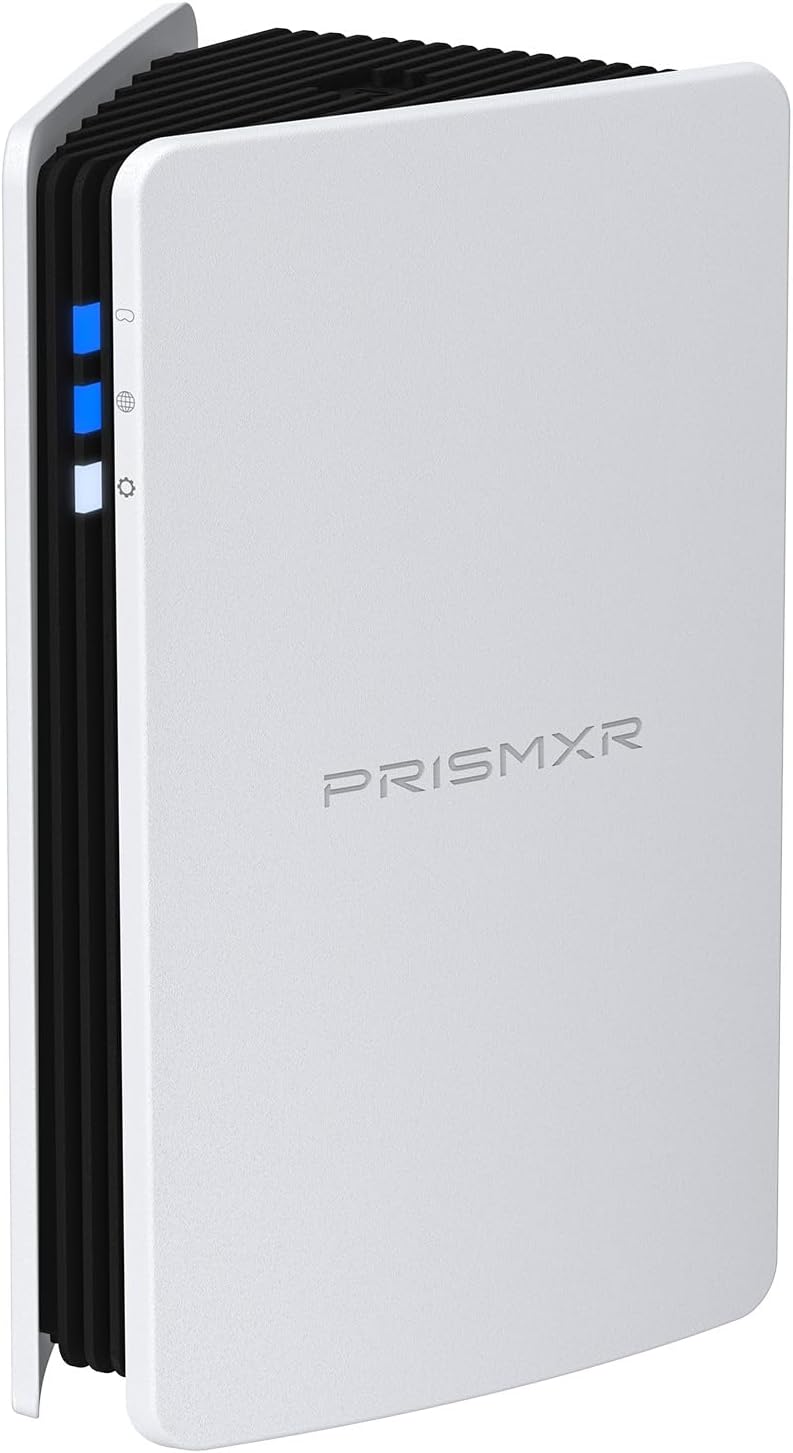
RISMXR PC-VR Streaming Air Link AX3000 WiFi6 Router Compatible with Meta Quest
Router
Delamu Cord Cover Wall, 128in One-Cord Channel Hider, Mini Size Wire Covers for Cords, Paintable Wire Hider for Wall
Cable Management
TP-Link Omada WiFi 6 AX1800 Dual Band Outdoor Access Point (EAP603-Outdoor)– WiFi Extender Universal Compatible, Up to 3,200 sq.ft, PoE Powered, IP65
Access Point
Cat6 Ethernet Cable 75 FT White, BUSOHE Cat-6 Flat RJ45 Computer Internet LAN Network Ethernet Patch Cable
Cable
WiFi Router Storage Box Wall Shelf, Living Room Wall-Mounted WiFi Storage Box
Wall Mount
TP-Link Deco AX3000 WiFi 6 Mesh System (Deco X50) – Whole‑Home Coverage up to 4,500 sq ft
Mesh System
TP-Link Tri-Band BE9700 WiFi 7 Router (Archer BE550 Pro)
Router
Smartech Cables Cat6 Plenum Cable 1000ft Blue - Bulk CAT 6 Ethernet Cable
Cable
HumanCentric Cable Box and Modem Mount, Adjustable Wall Mount for Small and Wide Devices, Cable Boxes, Modems, DVD Players, Streaming Media Devices
Wall Mount
TP-Link Omada Business WiFi 6 AX1800 in-Wall Wireless Gigabit Access Point (EAP615-Wall) - MU-MIMO & Beamforming, Support OFDMA, PoE Powered
Access Point
78" Wall Cord Hider, Self Adhesive Silicone Cable Covers for Cords On Wall, Cord Hider for Wall Mount TV, Flexible Cable Cover Raceway Kit for 1 Wire
Cable Management
TP-Link Tri-Band BE19000 WiFi 7 Router (Archer BE800) - 12-Stream 19 Gbps
Router
TP-Link Deco Whole Home Mesh WiFi System (Deco M4) – Up to 5,500 Sq. Ft
Mesh System
ASUS ROG Rapture WiFi 6E Gaming Router (GT-AXE16000) - Quad-Band, 6 GHz Ready
Router
ASUS ROG Rapture WiFi 6E Gaming Router (GT-AXE16000) - Quad-Band, 6 GHz Ready
Gaming Router
HumanCentric Universal Wall and VESA Mount, Adjustable Strap for Small Computers, UPS Units, Cable Boxes, Modems and Other Electronic Devices
Wall Mount
TP-Link AX1800 WiFi Extender Internet Booster (RE600X) - WiFi 6 Range Extender Covers up to 1500 sq.ft and 30 Devices, Dual Band, AP Mode
Extender
ASUS ROG Rapture GT-BE98 PRO First Quad-Band WiFi 7 Gaming Router supports 320MHz
Router
ASUS ROG Rapture GT-BE98 PRO First Quad-Band WiFi 7 Gaming Router supports 320MHz
Gaming Router
SeeSii Upgraded NanoVNA-H4 Vector Network Analyzer, Latest V4.4 9KHz-1.5GHz HF VHF UHF 4" Touch Screen VNA Antenna Analyzer
Wifi Analyzer

Keep safety, context, and professional guidance in the decision where appropriate.
