← All guides

In-depth guide

Router in the Basement: Can It Ever Work?

Basements are the worst place to start Wi-Fi — but sometimes you’re stuck. Here’s when a basement router can work, and how to make it work reliably.

By WCF Updated 2026-01-07 3 min read

If your router is in the basement, you’re not alone. That’s where many internet connections enter the house, and ISPs often install equipment wherever it’s easiest — not where Wi-Fi performs best.

The problem is that basements are one of the most hostile environments for wireless signals. Concrete, rebar, plumbing, and vertical distance all work against you.

This guide answers a simple question honestly: can a router in the basement ever work — and if so, what does it take?

Why Basements Break Wi-Fi

Basements concentrate everything Wi-Fi hates:

  • Concrete and foundation walls
  • Rebar inside floors
  • Metal ducting and pipes
  • Electrical panels and wiring

On top of that, Wi-Fi has to travel upward through dense materials to reach the rest of the house.

Even powerful routers struggle here.

When a Basement Router Can Work

There are situations where a basement router can be acceptable.

It can work if:

  • The basement ceiling is unfinished (open joists)
  • The router is mounted high, near the ceiling
  • The house is small or narrow
  • Most usage happens on the main floor directly above

In these cases, Wi-Fi can leak upward with fewer obstacles.

If your basement ceiling is finished or insulated, odds drop sharply.

Top Router Picks
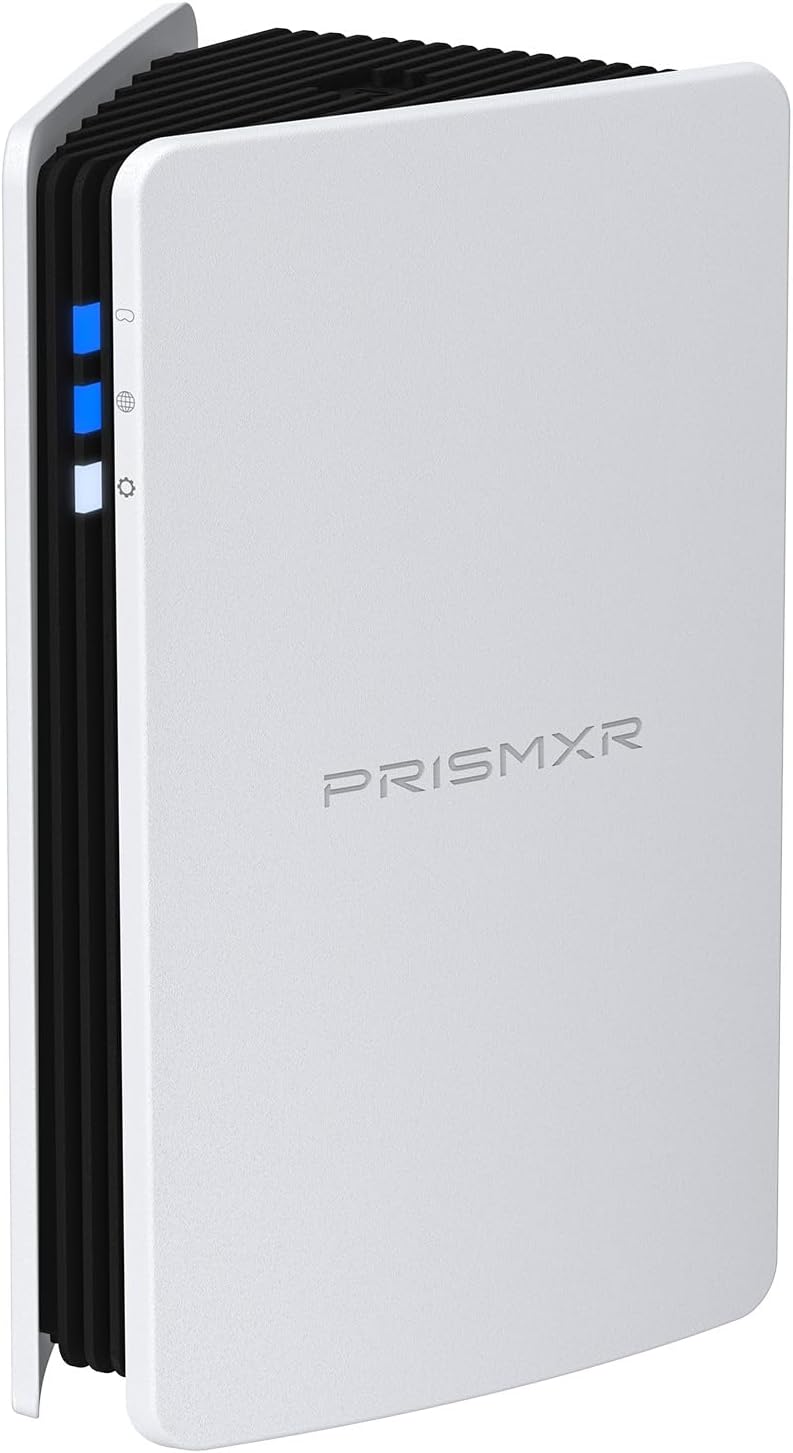

Router Height Matters More Than Location

If the router must stay in the basement, height becomes critical.

Better placement:

  • Wall-mounted near the ceiling
  • Directly under the main living area
  • Away from electrical panels and ducting

Bad placement:

  • On the basement floor
  • On a workbench surrounded by tools
  • Inside a utility room

Raising the router even a few feet can noticeably improve coverage upstairs.

Top Wall Mount Picks

Why “Bigger” Routers Rarely Fix This

Many people try to solve basement placement by buying a more powerful router.

This usually fails because:

  • Client devices still have weak transmitters
  • Wi-Fi power is regulated
  • Walls don’t care how expensive your router was

Strong routers can help a little, but they don’t overcome structural physics.

The Smart Fix: Move the Wi-Fi Origin

Instead of forcing Wi-Fi upward, move the Wi-Fi source upward.

You can do this by:

  • Running Ethernet from the basement modem to the main floor
  • Placing the router upstairs
  • Leaving the modem and ISP equipment in the basement

This single change often fixes the entire house.

Why this works

Ethernet ignores walls entirely. Once the router is upstairs, Wi-Fi only has to travel horizontally instead of vertically.

Using Access Points or Mesh From the Basement

If moving the router isn’t possible, add Wi-Fi where it’s needed.

Two effective approaches:

  • Run Ethernet to an upstairs access point
  • Use a mesh system with an upstairs node

In both cases:

  • The basement router becomes a network hub
  • Wi-Fi coverage originates where people actually use it

This approach is far more reliable than trying to blast Wi-Fi upward.

Basement-Specific Interference Problems

Basements often contain interference sources:

  • Furnaces
  • Water heaters
  • Electrical panels
  • Workshop tools

These can introduce noise that doesn’t exist upstairs.

Moving Wi-Fi radios away from these sources improves stability even if signal strength looks unchanged.

What Not to Do

These basement “fixes” rarely work:

  • Adding extenders near the basement ceiling
  • Stacking antennas or amplifiers
  • Leaving the router in a corner
  • Running multiple repeaters

They add complexity without solving the core problem.

What Actually Helps (In Order)

If your router is in the basement:

  1. Raise and reposition it as high as possible
  2. Move it away from electrical and metal equipment
  3. Run Ethernet upstairs and relocate Wi-Fi there
  4. Add access points or mesh nodes where needed
  5. Stop trying to overpower concrete

Final Thoughts

A router in the basement can work — but it’s almost never ideal.

The moment you move Wi-Fi generation closer to where people live, performance improves dramatically. If you’re fighting constant dead zones upstairs, the problem usually isn’t your router — it’s where it lives.

Basements are great for modems and storage. Wi-Fi belongs upstairs.


Related Products

More Random Picks

RISMXR PC-VR Streaming Air Link AX3000 WiFi6 Router Compatible with Meta Quest
Router
Delamu Cord Cover Wall, 128in One-Cord Channel Hider, Mini Size Wire Covers for Cords, Paintable Wire Hider for Wall
Cable Management
TP-Link Omada WiFi 6 AX1800 Dual Band Outdoor Access Point (EAP603-Outdoor)– WiFi Extender Universal Compatible, Up to 3,200 sq.ft, PoE Powered, IP65
Access Point
Cat6 Ethernet Cable 75 FT White, BUSOHE Cat-6 Flat RJ45 Computer Internet LAN Network Ethernet Patch Cable
Cable
WiFi Router Storage Box Wall Shelf, Living Room Wall-Mounted WiFi Storage Box
Wall Mount
TP-Link Deco AX3000 WiFi 6 Mesh System (Deco X50) – Whole‑Home Coverage up to 4,500 sq ft
Mesh System
TP-Link Tri-Band BE9700 WiFi 7 Router (Archer BE550 Pro)
Router
Smartech Cables Cat6 Plenum Cable 1000ft Blue - Bulk CAT 6 Ethernet Cable
Cable
HumanCentric Cable Box and Modem Mount, Adjustable Wall Mount for Small and Wide Devices, Cable Boxes, Modems, DVD Players, Streaming Media Devices
Wall Mount
TP-Link Omada Business WiFi 6 AX1800 in-Wall Wireless Gigabit Access Point (EAP615-Wall) - MU-MIMO & Beamforming, Support OFDMA, PoE Powered
Access Point
78" Wall Cord Hider, Self Adhesive Silicone Cable Covers for Cords On Wall, Cord Hider for Wall Mount TV, Flexible Cable Cover Raceway Kit for 1 Wire
Cable Management
TP-Link Tri-Band BE19000 WiFi 7 Router (Archer BE800) - 12-Stream 19 Gbps
Router
TP-Link Deco Whole Home Mesh WiFi System (Deco M4) – Up to 5,500 Sq. Ft
Mesh System
ASUS ROG Rapture WiFi 6E Gaming Router (GT-AXE16000) - Quad-Band, 6 GHz Ready
Router
ASUS ROG Rapture WiFi 6E Gaming Router (GT-AXE16000) - Quad-Band, 6 GHz Ready
Gaming Router
HumanCentric Universal Wall and VESA Mount, Adjustable Strap for Small Computers, UPS Units, Cable Boxes, Modems and Other Electronic Devices
Wall Mount
TP-Link AX1800 WiFi Extender Internet Booster (RE600X) - WiFi 6 Range Extender Covers up to 1500 sq.ft and 30 Devices, Dual Band, AP Mode
Extender
ASUS ROG Rapture GT-BE98 PRO First Quad-Band WiFi 7 Gaming Router supports 320MHz
Router
ASUS ROG Rapture GT-BE98 PRO First Quad-Band WiFi 7 Gaming Router supports 320MHz
Gaming Router
SeeSii Upgraded NanoVNA-H4 Vector Network Analyzer, Latest V4.4 9KHz-1.5GHz HF VHF UHF 4" Touch Screen VNA Antenna Analyzer
Wifi Analyzer

Keep safety, context, and professional guidance in the decision where appropriate.
