← All guides

In-depth guide

Best Cheap Upgrades Before Replacing Your Router

Before spending hundreds on a new router, try these low-cost upgrades. Most Wi-Fi problems are fixable without replacing everything.

By WCF Updated 2026-01-07 3 min read

When Wi-Fi performance drops, the default reaction is to buy a new router. Router marketing encourages this, but in reality, many Wi-Fi problems have nothing to do with the router itself.

There are several inexpensive upgrades and adjustments that often deliver bigger improvements than replacing hardware. These fixes cost less, take less time, and help you understand your network before spending real money.

This guide walks through the best cheap upgrades to try first — in the order that actually makes sense.

1. Move the Router (Free, Highest ROI)

This is the most overlooked fix.

Bad placement causes:

  • Dead zones
  • Weak upstairs coverage
  • Random disconnects

Before buying anything:

  • Move the router to a central location
  • Raise it off the floor
  • Keep it away from metal and electrical equipment

Even a small relocation can dramatically improve coverage.

Top Wall Mount Picks


2. Replace or Extend the Ethernet Cable

Routers are often stuck near modems because the Ethernet cable is too short.

A longer Ethernet cable lets you:

  • Move the router to a better location
  • Avoid basements and corners
  • Improve overall coverage

This upgrade costs very little and enables all other improvements.

What to look for

  • Cat6 Ethernet cable
  • Flat cable if running along baseboards
  • Appropriate length with a bit of slack

3. Add a Single Mesh Node Instead of Replacing Everything

If coverage is the issue, adding one node is often better than replacing the router.

Advantages:

  • Lower cost than full replacement
  • Targets problem areas directly
  • Often integrates with existing systems

Many mesh systems allow you to expand gradually.

This is especially effective for:

  • Basements
  • Far bedrooms
  • Home offices

Top Mesh System Picks


4. Run Ethernet to One Problem Area

Wiring one location can stabilize the entire network.

Good targets:

  • A gaming room
  • A home office
  • A basement or garage

Once wired:

  • Add an access point or mesh node
  • Reduce wireless load elsewhere
  • Improve overall reliability

Flat Ethernet cable makes this easier than most people expect.

Top Cable Picks


5. Upgrade Router Placement Accessories

Small accessories can unlock better placement.

Useful items include:

  • Wall-mount brackets
  • Adhesive cable clips
  • Raceway for clean routing

These are cheap, renter-friendly, and often eliminate the need for new hardware.

Top Wall Mount Picks


6. Improve Power Stability

Unstable power causes network instability.

Low-cost improvements:

  • Quality surge protector
  • Small UPS for modem and router

This prevents brief drops and protects equipment.

7. Reduce Wireless Load

Your Wi-Fi might be overloaded, not underpowered.

Reduce load by:

  • Wiring TVs and PCs
  • Disabling unused devices
  • Removing extenders

Fewer wireless devices = more stable Wi-Fi.

8. Tune Channels and Bands

Free performance is hiding in your router settings.

Check:

  • Channel selection
  • Band separation
  • Channel width

Proper tuning often fixes nighttime slowdowns and random drops.

Top Wifi Analyzer Picks

9. Replace the Power Adapter (Surprisingly Common Fix)

Failing power adapters cause:

  • Random resets
  • Instability under load
  • Intermittent disconnects

If your router uses an external adapter and shows weird behavior, replacement is cheap and effective.

When Replacing the Router Makes Sense

After trying the above, replacement may be justified if:

  • The router lacks modern band support
  • Coverage issues persist after placement fixes
  • Performance degrades under load
  • Firmware support is poor or locked

At that point, replacement is informed — not impulsive.

What Actually Helps (In Order)

Before buying a new router:

  1. Fix placement
  2. Extend Ethernet to improve location
  3. Add a mesh node or access point
  4. Wire one problem area
  5. Improve power stability
  6. Tune settings
  7. Replace hardware only if needed

Final Thoughts

Most Wi-Fi problems aren’t solved by buying the newest router — they’re solved by fixing fundamentals.

Cheap upgrades often unlock the performance you already paid for. Once you understand where your network struggles, you’ll know exactly what to upgrade and why — instead of guessing.

Spend smart first. Upgrade big only when it’s actually necessary.


Related Products

More Random Picks
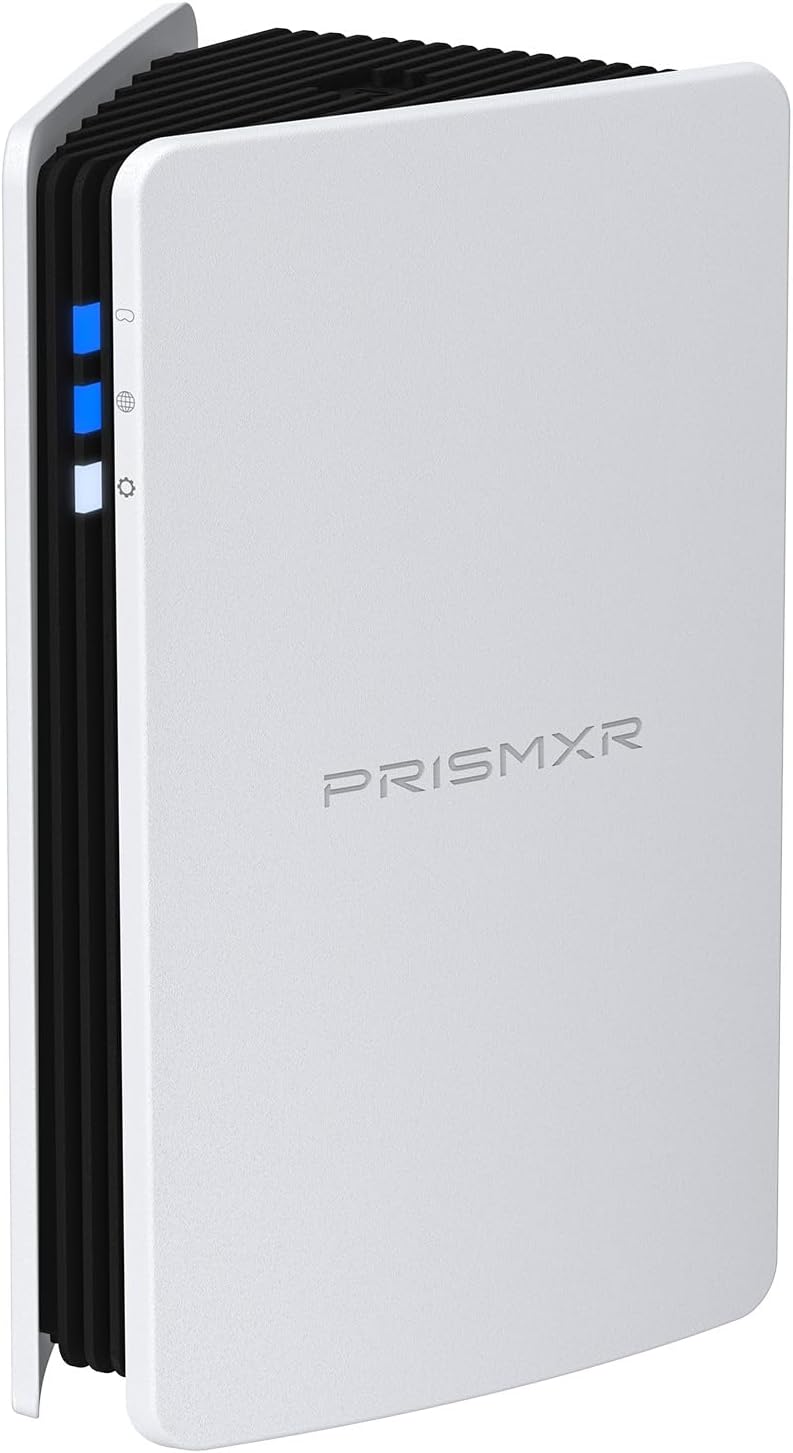
RISMXR PC-VR Streaming Air Link AX3000 WiFi6 Router Compatible with Meta Quest
Router
Delamu Cord Cover Wall, 128in One-Cord Channel Hider, Mini Size Wire Covers for Cords, Paintable Wire Hider for Wall
Cable Management
TP-Link Omada WiFi 6 AX1800 Dual Band Outdoor Access Point (EAP603-Outdoor)– WiFi Extender Universal Compatible, Up to 3,200 sq.ft, PoE Powered, IP65
Access Point
Cat6 Ethernet Cable 75 FT White, BUSOHE Cat-6 Flat RJ45 Computer Internet LAN Network Ethernet Patch Cable
Cable
WiFi Router Storage Box Wall Shelf, Living Room Wall-Mounted WiFi Storage Box
Wall Mount
TP-Link Deco AX3000 WiFi 6 Mesh System (Deco X50) – Whole‑Home Coverage up to 4,500 sq ft
Mesh System
TP-Link Tri-Band BE9700 WiFi 7 Router (Archer BE550 Pro)
Router
Smartech Cables Cat6 Plenum Cable 1000ft Blue - Bulk CAT 6 Ethernet Cable
Cable
HumanCentric Cable Box and Modem Mount, Adjustable Wall Mount for Small and Wide Devices, Cable Boxes, Modems, DVD Players, Streaming Media Devices
Wall Mount
TP-Link Omada Business WiFi 6 AX1800 in-Wall Wireless Gigabit Access Point (EAP615-Wall) - MU-MIMO & Beamforming, Support OFDMA, PoE Powered
Access Point
78" Wall Cord Hider, Self Adhesive Silicone Cable Covers for Cords On Wall, Cord Hider for Wall Mount TV, Flexible Cable Cover Raceway Kit for 1 Wire
Cable Management
TP-Link Tri-Band BE19000 WiFi 7 Router (Archer BE800) - 12-Stream 19 Gbps
Router
TP-Link Deco Whole Home Mesh WiFi System (Deco M4) – Up to 5,500 Sq. Ft
Mesh System
ASUS ROG Rapture WiFi 6E Gaming Router (GT-AXE16000) - Quad-Band, 6 GHz Ready
Router
ASUS ROG Rapture WiFi 6E Gaming Router (GT-AXE16000) - Quad-Band, 6 GHz Ready
Gaming Router
HumanCentric Universal Wall and VESA Mount, Adjustable Strap for Small Computers, UPS Units, Cable Boxes, Modems and Other Electronic Devices
Wall Mount
TP-Link AX1800 WiFi Extender Internet Booster (RE600X) - WiFi 6 Range Extender Covers up to 1500 sq.ft and 30 Devices, Dual Band, AP Mode
Extender
ASUS ROG Rapture GT-BE98 PRO First Quad-Band WiFi 7 Gaming Router supports 320MHz
Router
ASUS ROG Rapture GT-BE98 PRO First Quad-Band WiFi 7 Gaming Router supports 320MHz
Gaming Router
SeeSii Upgraded NanoVNA-H4 Vector Network Analyzer, Latest V4.4 9KHz-1.5GHz HF VHF UHF 4" Touch Screen VNA Antenna Analyzer
Wifi Analyzer

Keep safety, context, and professional guidance in the decision where appropriate.
